Blog For advertisers
Valid clicks and campaign reports: what you measure with KnockAds
Which clicks count as valid, what a campaign report shows and how to track what happens after the click on your own site with UTM parameters.

In short
KnockAds counts a click as valid when it passes a set of filters: known bots and crawlers, link previews, duplicates and quick second clicks from the same address are left out. The report shows clicks, spend, average cost per click and remaining budget. To follow readers on your own site, use your analytics tool with UTM parameters in your links.
The path of a click
The ad button goes through a KnockAds tracked link before it reaches your page. That is where the click is recorded and, if it passes the filters, becomes valid. The reader gets to your destination either way, even when the click is not valid.
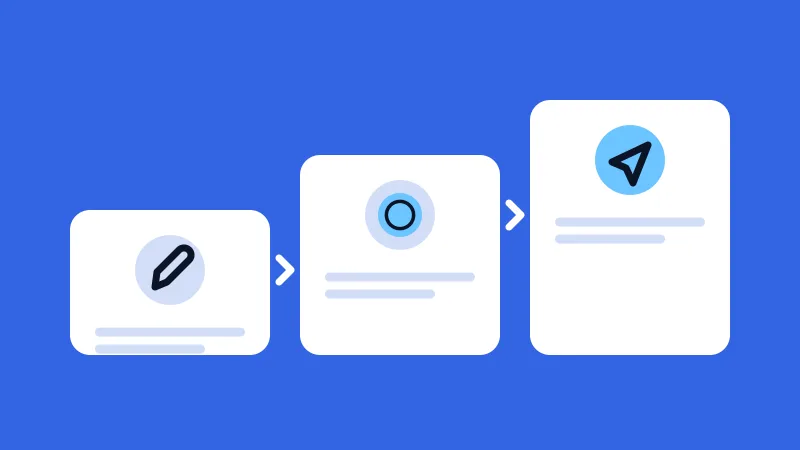
- The reader taps the buttonIn the post published in the channel.
- Goes through the KnockAds linkA tracked link records the request.
- KnockAds decides whether the click is validThe click must pass the checks.
- Reaches your pageEven if the click is not valid.
Illustrative diagram: it shows the logic, not real numbers.
How a click becomes valid
Every opening of the link goes through a series of checks. What is left at the end is the valid click.
- Link openingsAll the requests that reach the button link.
- Without previews and prefetchingRequests that are not a normal opening are left out: link previews, browser prefetching, requests other than a read.
- Without known bots and crawlersRecognized programs (bots, crawlers, preview generators, command-line tools) and requests with no identifier are left out.
- Without duplicatesThe same click repeated identically counts only once.
- Without close second clicksA second click from the same address on the same ad within one minute is not valid.
- Valid clickComes out of the campaign budget.
Illustrative diagram: it shows the logic, not real numbers.
A click is charged only while the campaign is active and the ad is in the channel. The budget is never exceeded: at the click that would go over it, the campaign closes, the posts come down and what is left goes back to your balance.
What “valid click” means
A valid click is one that passed the checks above. The filters recognize known tools and repetitions; how much interest sits behind a click, you see in the visits and actions on your own page.
What the report shows
- Total valid clicks.
- Total spend.
- Average cost per click: each publication has its own price.
- Remaining budget.
- Charts of clicks and costs by day and by hour.
- Total publications and those currently running.
Measuring what happens after the click
KnockAds records the click on the button. Purchases, sign-ups and other actions on your site you follow with your own analytics tool, and the simplest way is to add UTM parameters to your destination links, so the tool can tell that a visit comes from this campaign.
What you measure this way concerns your page, and you read it in your own tools. The numbers in the report tell the story of one campaign: the next one has its own.
Starting with a small budget
Start with a small budget, let the campaign produce its first clicks and look at the average cost per click before deciding how much to spend. The budget is a ceiling, and you fund it with a top-up (how it works). The step-by-step guide shows where to set it, and the article on writing the ad explains how to put your link in the button.
Frequently asked questions
If a click is not valid, does the reader still reach my page?
Yes, the reader gets to the destination anyway. The only difference is that the click is not charged.
How is the average cost per click calculated?
It is the spend of the campaign divided by its valid clicks. Each publication has its own click price, above the minimum of the pair.
Does KnockAds measure sales or sign-ups?
The report shows clicks on the button and costs. Sales and sign-ups on your site you see in your own analytics tools, with UTM parameters in your links.
Read next
-
-
-



Create your first campaign
Write the ad, choose categories and languages, and set the budget.