Blog For advertisers
How to advertise in Telegram channels without negotiating with every admin
Write the ad, pick categories and languages, set a budget: the bot publishes it in compatible channels and you pay for clicks, with no admin-by-admin haggling.

In short
You create one campaign, choose the categories and languages of the channels, and set a budget. The bot publishes the ad in compatible channels and you pay only for valid clicks on the button. Instead of picking channels one by one, you pick the kind of channel.
The classic method: one admin at a time
Buying visibility in a Telegram channel usually means messaging the administrator. You ask for a rate, agree on the day and time of the post, send the text, pay up front, then check that the message really went out. It works, but every channel is its own negotiation, with its own response time and a price that is hard to compare with the others.
The work grows with the number of channels. To reach twenty of them you run twenty negotiations, and if you change the ad you start over.
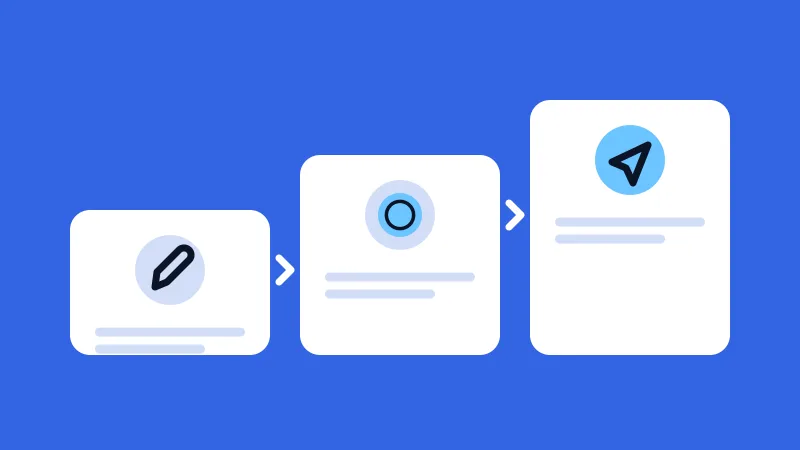
One admin at a time. For each channel a conversation, an agreement and a check.
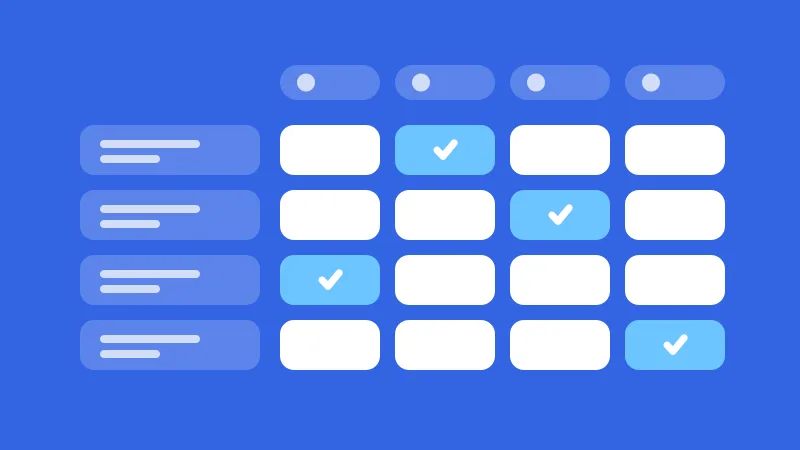
One campaign. One ad, one budget, the compatible channels.
Illustrative diagram: it shows the logic, not real numbers.
What you do and what the bot does
You describe the ad once: the text, an image or a video if you like, and a button with your link. Then you choose who sees it with the category of the channels (there are 42) and the language of their content. For each category and language pair the app shows you the minimum price per click.
The channel owners have already done their part: they connected the channel, picked a category and a language, and said which days and hours they accept ads. The KnockAds bot assigns your campaign to the compatible spaces and publishes it.
- Write the adText, an image or a video and a button with your link.
- Pick categories and languagesFor each pair the app shows the minimum price and the suggested CPC.
- Set the budgetIt is the campaign's spending ceiling.
- The bot publishesIn compatible channels, at the hours their owners chose.
- You pay for clicksEach valid click is taken from the budget.
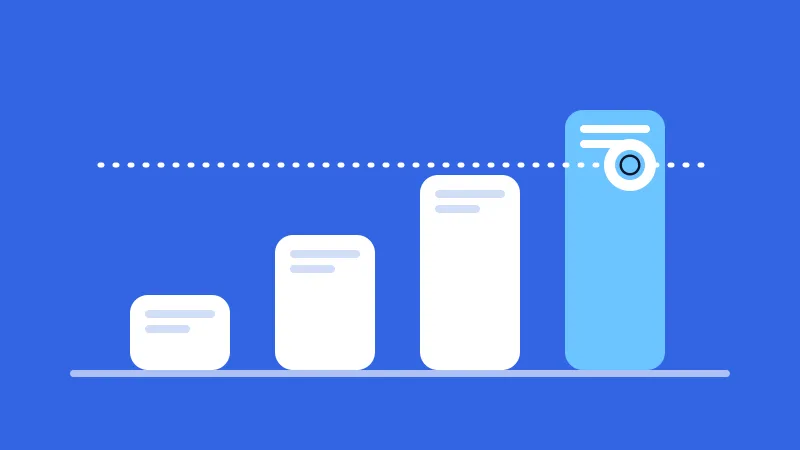
Illustrative diagram: it shows the logic, not real numbers.
How you pay
You pay for each valid click on the ad button; clicks that are not valid are not charged. Before you launch, the app shows the minimum price of every category and language combination, together with the suggested CPC; the article on the minimum price per click explains how the minimum is set.
The budget is the campaign's spending ceiling. When it runs out the campaign closes by itself, the bot takes the ad down from the channels, and whatever you did not spend goes back to your wallet.
When it makes sense
It makes sense if you want to try a message on several channels without opening a negotiation for each one, if you prefer to pay by the click, and if you want to be able to stop whenever you like: a campaign can be paused, resumed and archived.
To get started, the step-by-step guide goes from sign-up to a live campaign. The guide to category and language helps you decide whom to reach, and the glossary covers the terms you do not know.
Frequently asked questions
Do I have to contact the channel administrators?
No need. The system assigns the ad to channels that match the categories and languages you chose, with no messages exchanged with the owners.
Can I choose which channels run my ad?
You choose the category and the language of the channels. Everything you can decide is in the guide to category and language.
When do I pay?
For every valid click on the button. You top up the wallet first, then assign a budget to the campaign, and spending stays within that budget.
Read next
-
-
-


Create your first campaign
Write the ad, choose categories and languages, and set the budget.